The uncomfortable truth about alerting strategies that most companies refuse to confront
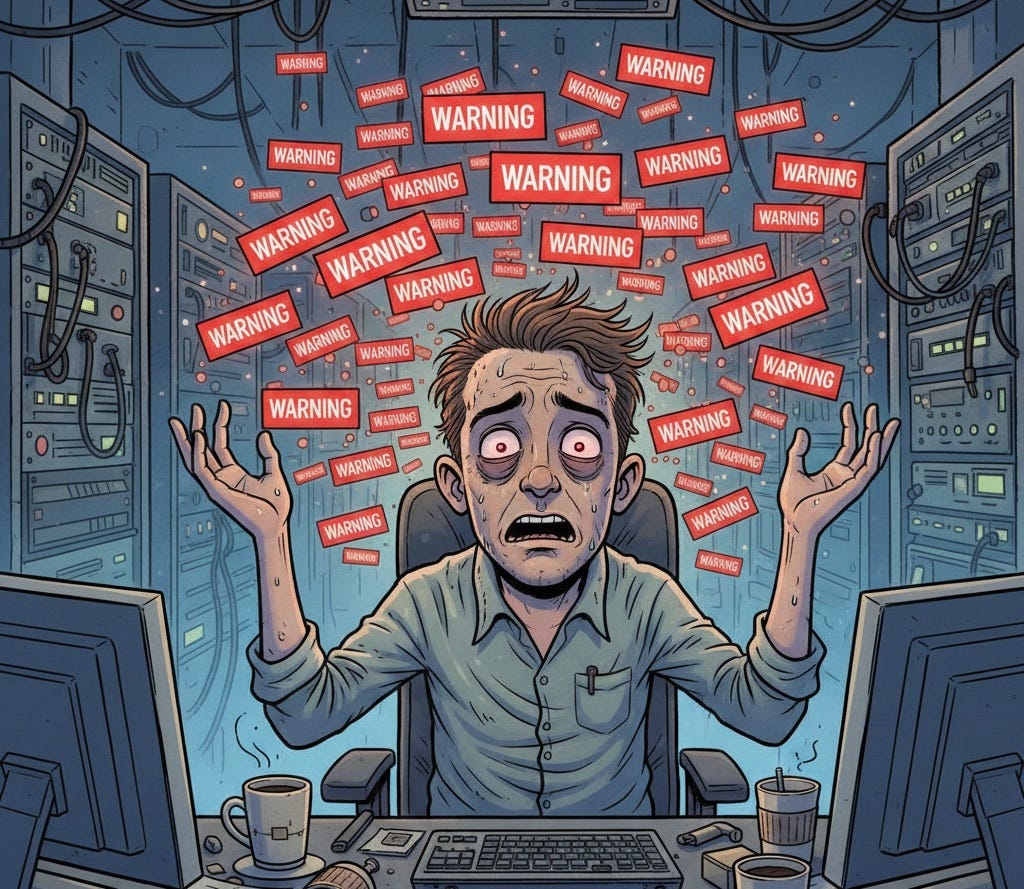
There’s a metric that engineering leaders love to optimize: Mean Time to Detect (MTTD). The logic seems bulletproof — the faster we know about problems, the faster we can fix them. So we add more alerts. And more alerts. And more alerts.
Then we pat ourselves on the back for having “comprehensive monitoring.”
But here’s the question nobody wants to ask: When that alert fires at 3 AM, is anyone actually looking at it?
I’ve seen dashboards with hundreds of alerts, most of them perpetually yellow or red. I’ve watched on-call engineers develop a Pavlovian response to Slack notifications — the eye-roll, the quick glance, the dismissal. I’ve inherited systems where nobody could tell me what half the alerts were even for.
The dirty secret of most alerting systems isn’t that they detect too little. It’s that they detect too much, too vaguely, with no clear path to resolution. And that’s not monitoring. That’s noise.
The Four Questions Every Alert Must Answer
Before you create another alert, force yourself through this gauntlet:
1. Who is responsible for responding to this alert?
Not “the team.” Not “whoever’s on call.” A specific person or role with clear ownership. If you can’t answer this, you don’t have an alert — you have a cry into the void.
2. What should they do when it fires?
If the answer is “investigate,” you’ve failed. Investigate what? Where? Using which tools? Looking for what patterns? An alert without a playbook is a puzzle with no picture on the box.
3. Can those steps be automated?
This is where most organizations stop too early. If your playbook says “SSH into the server, check disk usage, and clear the log files if they’re over 80%” — why is a human doing this? That’s not engineering judgment. That’s a script.
4. If it’s automated, does the alert still need to exist?
Here’s the uncomfortable endpoint of this logic: many alerts shouldn’t exist at all. They should be automated remediations that occasionally notify humans that something happened — not that something needs to happen. If it’s an automated remediation, a notification that an action was taken is useful but also shouldn’t be mixed with other alerts that require human intervention to reduce noise.
The Anatomy of Alert Fatigue
Let me paint you a picture. It’s 2:47 AM. Your phone buzzes. The alert reads:
WARNING: API latency exceeded 200ms threshold
Service: user-authentication
Current value: 243ms
You blearily open your laptop. By the time your dashboard loads, the latency is back to normal. You check the logs — nothing unusual. You check the deployment history — no recent changes. You spend 20 minutes finding nothing, then go back to sleep.
This happens three times a week.
After a month, you know what happens? You stop checking. You silence that alert. You develop what researchers call “alert fatigue” — a learned response where warnings become background noise.
And then one night, the latency spike isn’t transient. It’s a memory leak that’s about to cascade into a full outage. But you’ve been trained to ignore it.
Alert fatigue doesn’t happen because engineers are lazy. It happens because we’ve built systems that cry wolf.
The Playbook Problem
Here’s an experiment: pick a random alert in your monitoring system. Now find its playbook.
I’ll wait.
In most organizations, you’ll find one of three things:
- No playbook exists
- A playbook exists but it’s outdated (references deprecated tools, dead links, former employees)
- A playbook exists but it’s so generic it’s useless (“Check if the service is healthy”)
A proper runbook should be specific enough that someone unfamiliar with the system could execute it. Not because you’re hiring unqualified people, but because:
- On-call rotations mean different people with varying context will respond
- Incidents happen at 3 AM when even experts operate at reduced capacity
- Good documentation forces you to actually understand your systems
Here’s what a real playbook should include:
## Alert: Database connection pool exhaustion### Severity: High### Description
Fires when available connections drop below 10% of pool capacity.### Immediate Actions
1. Check current connections: psql -c "SELECT count(*) FROM pg_stat_activity"
2. Identify long-running queries: [link to query dashboard]
3. Check for connection leaks in recent deployments: [link to deployment log]### Common Causes
- Connection leak in service X (check commit history for connection handling)
- Spike in traffic (verify with traffic dashboard)
- Slow query blocking connections (check slow query log)### Escalation
If not resolved within 15 minutes, page the database team lead.### Prevention
Consider increasing pool size or implementing connection timeout.If writing this playbook feels tedious, good. That tedium is revealing the complexity you’ve been hiding from your on-call engineers.
The Automation Imperative
Now look at your playbook again. How many of those steps require human judgment?
Checking metrics? Automated.
Running diagnostic queries? Automated.
Killing long-running queries? Automated.
Scaling up connection pools? Automated.
Rolling back a bad deployment? Usually automated.
The steps that seem to need humans often don’t. They need humans because we haven’t invested in making them automatic.
Consider this evolution of an alert:
Stage 1: Raw Alert
“Disk usage above 80%”
Response: Engineer SSHs in, finds old logs, deletes them
Stage 2: Alert with Playbook
“Disk usage above 80%” + documentation on which directories to check and what’s safe to delete
Response: Engineer follows steps, still manual
Stage 3: Automated Remediation
System automatically rotates logs, compresses old data, alerts only if automated cleanup fails
Response: Engineer only involved in edge cases
Stage 4: Proactive Prevention
System monitors disk growth trends, provisions additional storage before thresholds hit, alerts only on anomalies
Response: Engineer investigates unusual patterns, not routine maintenance
Most organizations are stuck at Stage 1 or 2. The engineering effort to reach Stage 3 or 4 often feels like a luxury. But calculate the cost of interrupted sleep, degraded on-call morale, and accumulated technical debt from never addressing root causes. Suddenly that automation work looks like a bargain.
The Controversial Take: Delete More Alerts
Here’s where I’ll lose some of you: you probably need fewer alerts, not more.
An alert that nobody acts on isn’t monitoring. It’s theater. It exists to make us feel like we’re on top of things while actually degrading our ability to respond to real issues.
Try this exercise with your team:
- List every alert that fired in the past month
- For each one, categorize: “Required human judgment” vs. “Could have been automated” vs. “No action taken”
- Be honest about that third category
If more than 20% of your alerts resulted in “no action taken,” you don’t have a monitoring system. You have a guilt-generation system.
Delete the alerts that don’t drive action. Automate the responses that don’t need judgment. Reserve human attention for the genuinely novel, the truly complex, the actually ambiguous.
The process of triaging alerts that are no longer needed is an ongoing effort. You should tackle the ones that fire most frequently, and proceed down the sorted list in order week-over-week.
Building an Actionable Alerting Culture
Transforming your alerting strategy isn’t a tooling problem — it’s a cultural one. Here’s where to start:
Make playbook creation part of alert creation. No alert goes live without documentation. Enforce this in code review.
Hold alert retrospectives. When an alert fires, ask: Was this actionable? Should the response be automated? Should this alert exist?
Track alert-to-action ratio. What percentage of alerts result in meaningful intervention? Make this a team metric.
Celebrate alert deletion. When someone automates away an alert, that’s not removing coverage — it’s maturing your system.
Rotate on-call across seniority levels. Nothing exposes bad alerting faster than making senior engineers deal with it at 3 AM.
The Real Metric
MTTD is a fine metric, but it’s incomplete. The metric that matters is Mean Time to Meaningful Action — how long from alert to actual resolution, including all the false positives, unclear playbooks, and manual toil along the way.
Optimizing for detection without optimizing for response is like installing smoke detectors but removing all the fire extinguishers. You’ll know about the fire faster. You just won’t be any better at putting it out.
Your alerts should be a curated signal, not a firehose of noise. Every ping should represent a genuine decision point requiring human judgment. Everything else? That’s what automation is for.
The goal isn’t to have more alerts. The goal is to have alerts that actually mean something.
What’s the most useless alert you’ve ever encountered? I’d love to hear your war stories in the comments.